
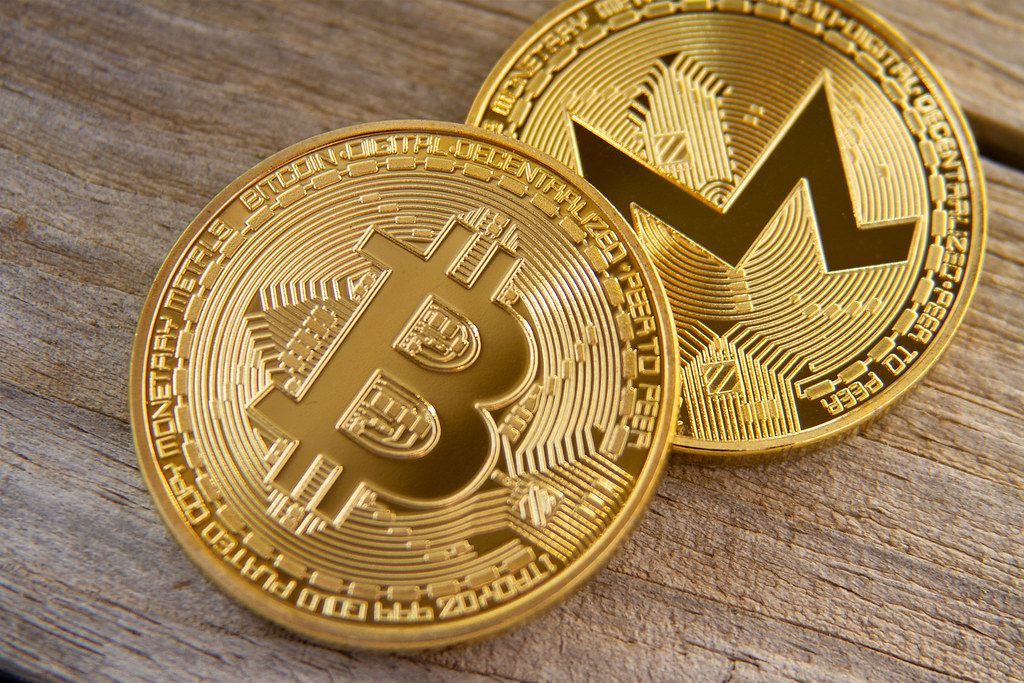
We accept Bitcoin (BTC), Litecoin (LTC), and Monero (XMR) through our secure, private crypto checkout system powered by BTCPay Server.
This guide will help you:
-
Buy Monero, Litecoin, or Bitcoin
-
Choose a secure wallet (desktop & mobile)
-
Understand how the payment process works on our webshop
Step 1: Set Up a Crypto Wallet
Before you can make a purchase, you’ll need a wallet — this is where you securely store your cryptocurrency.
Desktop Wallets
| Currency | Wallet | Description |
|---|---|---|
| Bitcoin (BTC) | Electrum | Lightweight + secure |
| Litecoin (LTC) | Litecoin Core | Official full-node |
| Monero (XMR) | Monero GUI | Full-featured privacy |
Mobile Wallets
| Currency | Wallets | Platforms |
|---|---|---|
| Bitcoin (BTC) | Phoenix, BlueWallet | iOS / Android |
| Litecoin (LTC) | Litewallet | iOS / Android |
| Monero (XMR) | Monerujo (Android), Cake Wallet (iOS) | Mobile |
Note: Always back up your wallet seed phrase securely.
Step 2: Buy Cryptocurrency
You can buy BTC, LTC, or XMR from:
-
Trusted exchanges like Kraken, Binance, or Bitpanda
-
Peer-to-peer platforms like LocalMonero or HodlHodl
-
Crypto ATMs via CoinATMRadar
After buying, send the crypto to your own wallet, not an exchange account.
Step 3: Pay at Checkout
-
Choose Bitcoin, Litecoin, or Monero at checkout.
-
You’ll be redirected to our BTCPay Server.
-
Scan the QR code or copy the wallet address.
-
Send the exact amount from your wallet.
-
Wait for confirmations:
-
Bitcoin / Litecoin: 1–3 confirmations
-
Monero: Typically 10 confirmations
-
Once confirmed, your order is automatically marked as paid and you'll receive a confirmation email.
Why Use Cryptocurrency?
-
Privacy-first: No banks, no tracking — especially with Monero
-
Low fees: No middlemen or hidden charges
-
Borderless: Use it anywhere, no bank needed
-
Final payments: No chargebacks or fraud
Cryptocurrency gives you full control over your payments — secure, fast, and independent.
Best Practices
-
Use your own wallet to send payment (never pay directly from an exchange)
-
Double-check the amount and wallet address
-
Don’t refresh the checkout page after paying — just wait
-
Monero users: ensure your wallet is synced
Need Help?
If you need help with wallets or checkout, contact us — we’re happy to assist.